Produktland Podcast on AI in product management Listen →
 Press ⇧⌘6, draw on the screenshot, and press ↩. The image lands in the chat in Claude, ChatGPT or Cursor, and you just type what should change.
Mac only (macOS 14 or later). Free. Your email also signs you up for our newsletter: one concrete AI tip for product people a week. Unsubscribe at any time.
Point is a Mac app, so it cannot be downloaded here. Open produktland.dk/en/peg on your Mac when you are at it and get it there.
You are now on the newsletter. If you are new to the list, a welcome email is on its way. Did the file not download? Get it again.
Know someone who needs Point? Pass it on →
⇧⌘6 and select an area
Just like a normal screenshot. You can change the shortcut.
Draw on what should change
The marker is ready, so there is nothing to pick. A line, a ring, an arrow.
↩ and the image is in the chat
In the app you came from. Type what should happen.
⇧⌘7 gives you a blank sheet
For what does not exist yet: a layout, a flow, an idea. The sheet fills the whole screen, and you draw in black. Press ↩, and the drawing lands in the chat, cropped to what you drew.
Type straight onto the image
Just start typing while you draw. On a screenshot the text stands in red above the image, on a sketch at the top left. It goes to the chat along with the strokes.
I take hundreds of screenshots to explain to the AI what should change. With Point I draw a line around it, and the model can see what I mean.
Martin Ibsen, Produktland
Open the file, drag Point into Applications, and start it. Point briefly shows how it works and asks for two permissions. Turn Point on in both places in System Settings, then start Point again. After that it lives in the menu bar and starts when you log in.
Yes. Click Point in the menu bar, choose Change shortcut or Change sketch shortcut, and press the shortcut you want. It needs ⌘, ⌃ or ⌥. If nothing happens when you use it, macOS or another app has it, so pick another.
Nothing. You enter your email and download the app.
Any app where you can paste an image into a text field: Claude, ChatGPT, Cursor, Codex and most others. Point pastes the image into the app you were in when you pressed ⇧⌘6.
macOS requires two. Screen Recording, so Point can take the picture, and Accessibility, so Point can paste it for you. Without Accessibility the image stays on the clipboard, and you press ⌘V yourself. For a sketch, Accessibility is enough.
They stay on your Mac, in Pictures/Point. Point sends nothing anywhere. An image only leaves your Mac when you send it in the chat yourself.
Then also get the small skill and put it in ~/.claude/skills/peg/. It tells the agent that the red marks are your focus, so it finds the right element in the code before it changes anything. A black sketch it reads as an idea you want built. If Claude Code runs in Terminal, Point pastes the file's path instead of the image, and Claude Code reads the file itself.
Not right now. Point is a Mac app.
Try it on the next thing you need fixed.
Get Point for MacPoint is a small app from Produktland, like Lyt, which makes you better one meeting at a time. We also help product teams get started working like this with AI. If that is where you are, get in touch.
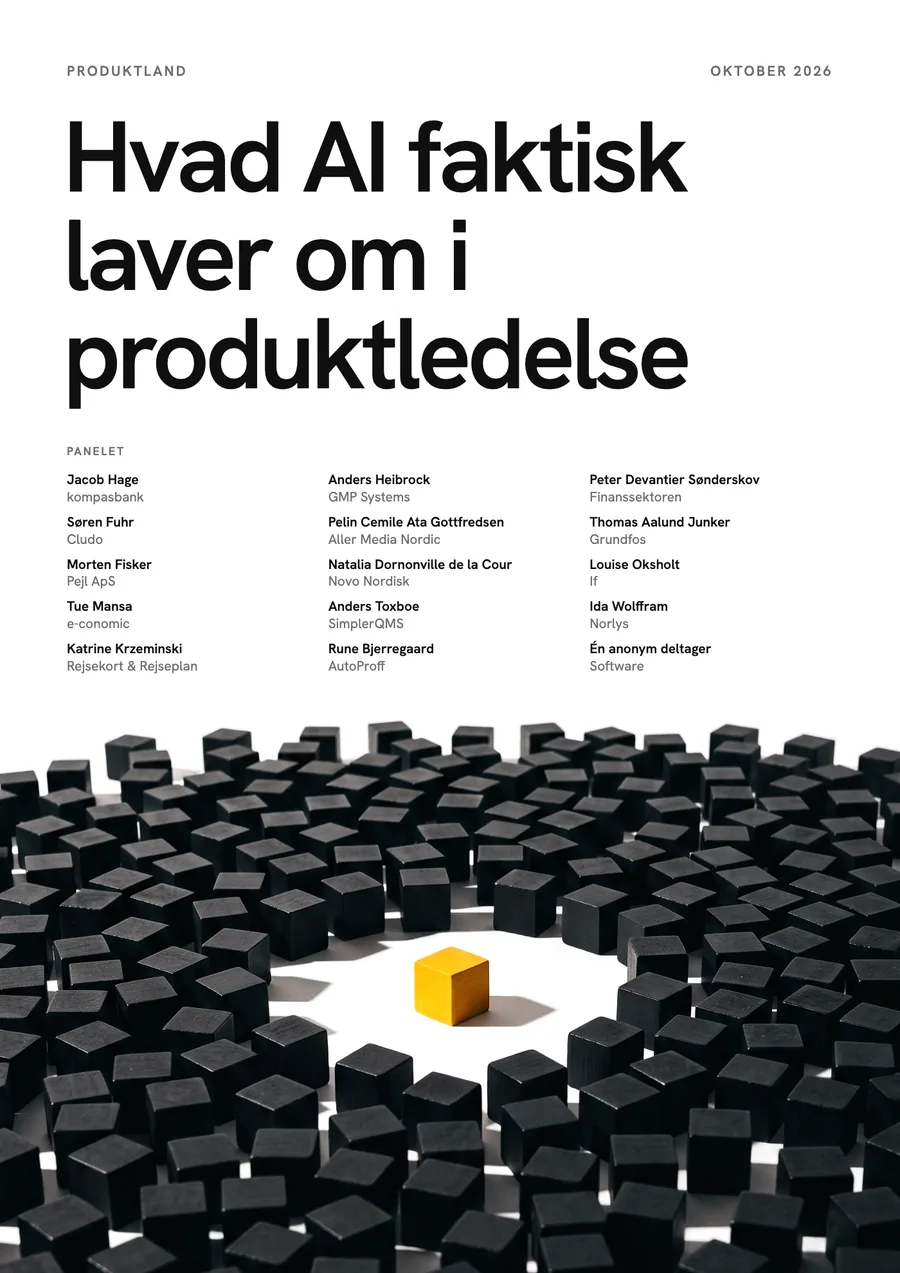 What AI is changing in UX Report Nine Danish design leaders on what gets easier, what gets harder, and what a designer has to be able to do now. Free. 9 named professionals · five chapters · PDF Read the report